Copy plugin to project folder
Console Command
All Engine plugins are located in the Engine folder. To move all files to the Plugin folder in your project directory, open the console and enter:
isx.CopyInventoryToProjectFolder
The editor may freeze for a few seconds, which is normal.
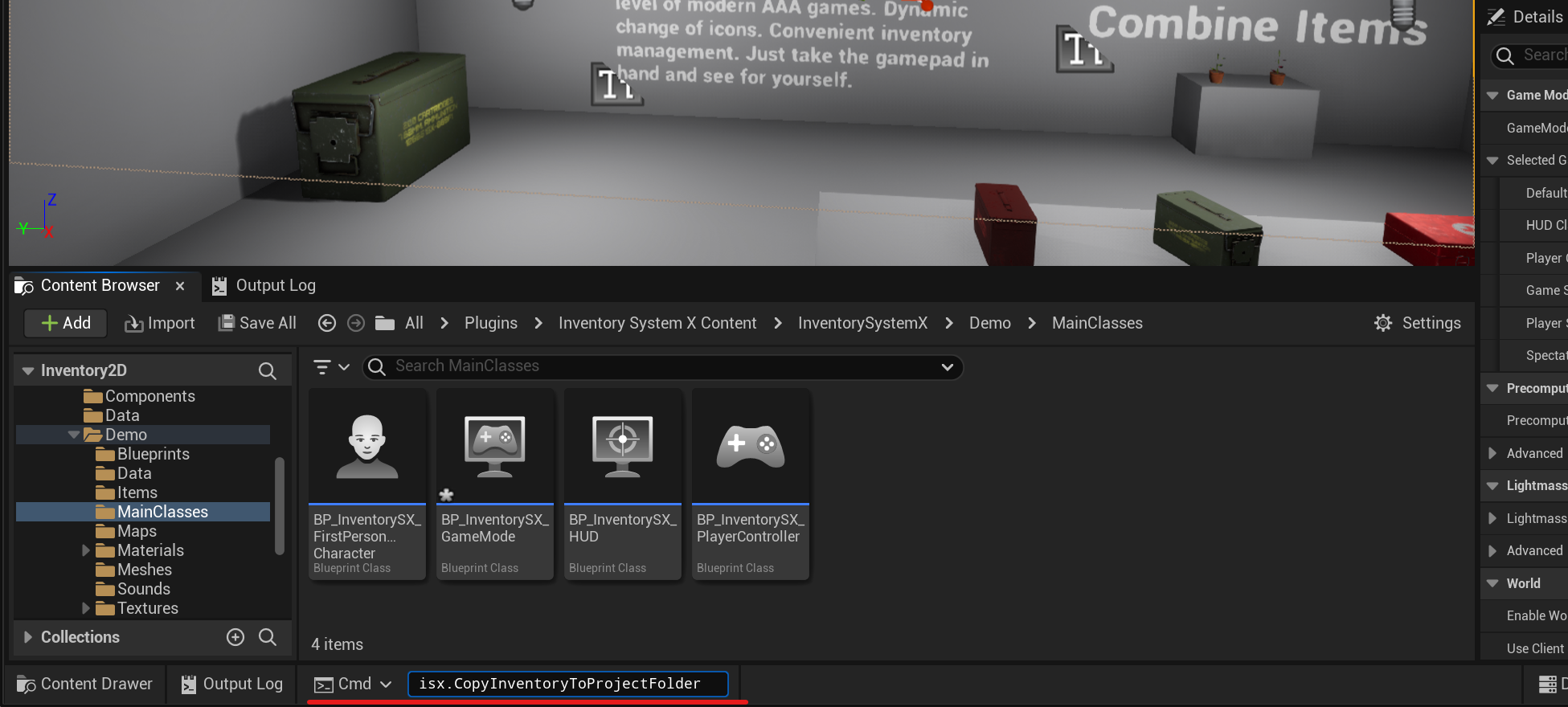
After that, close your project and reopen it.
After reopening the editor, you should enable the display of the plugin folder and check if there is a folder named " Inventory System X" in it.
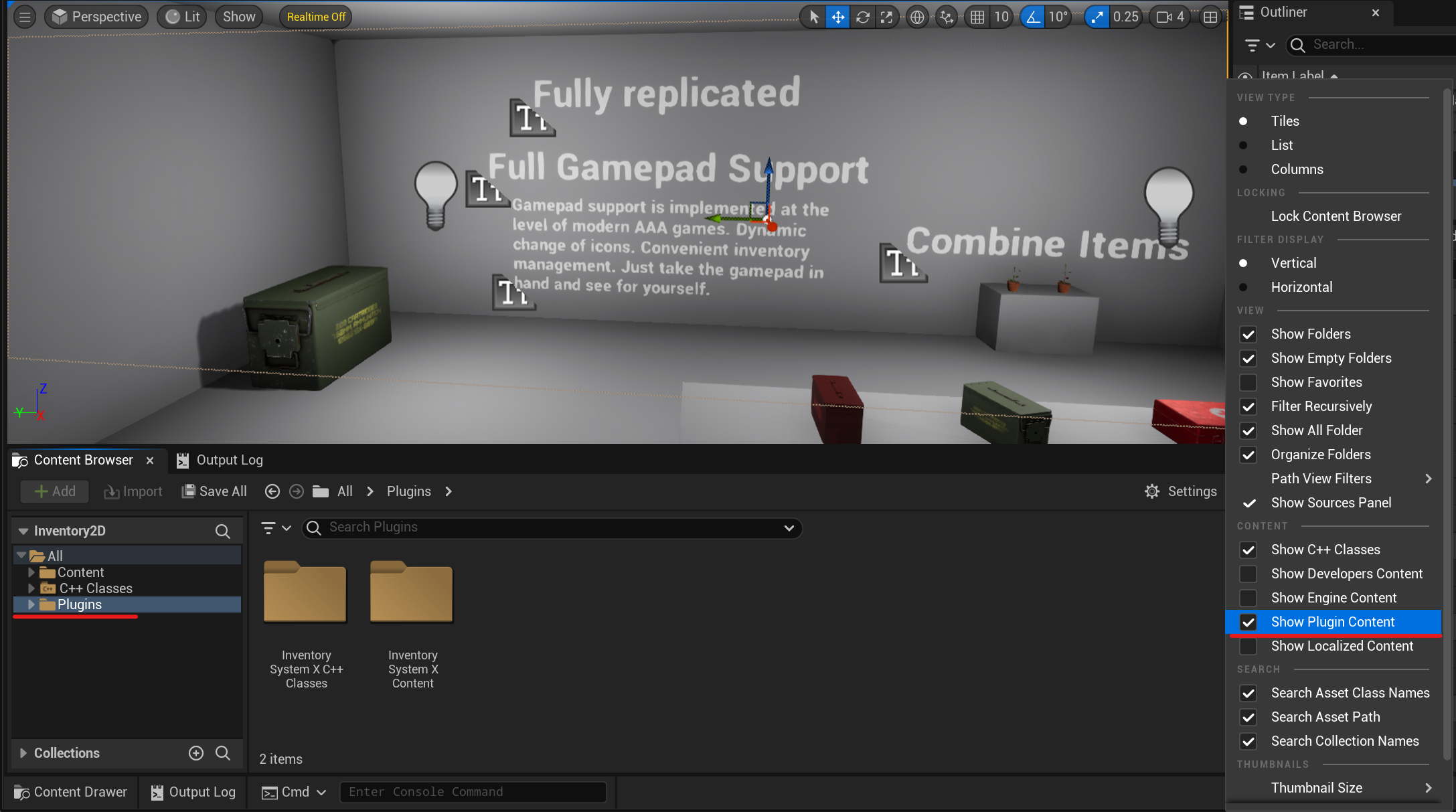
If it's there, everything went well and can go to the Next Page.
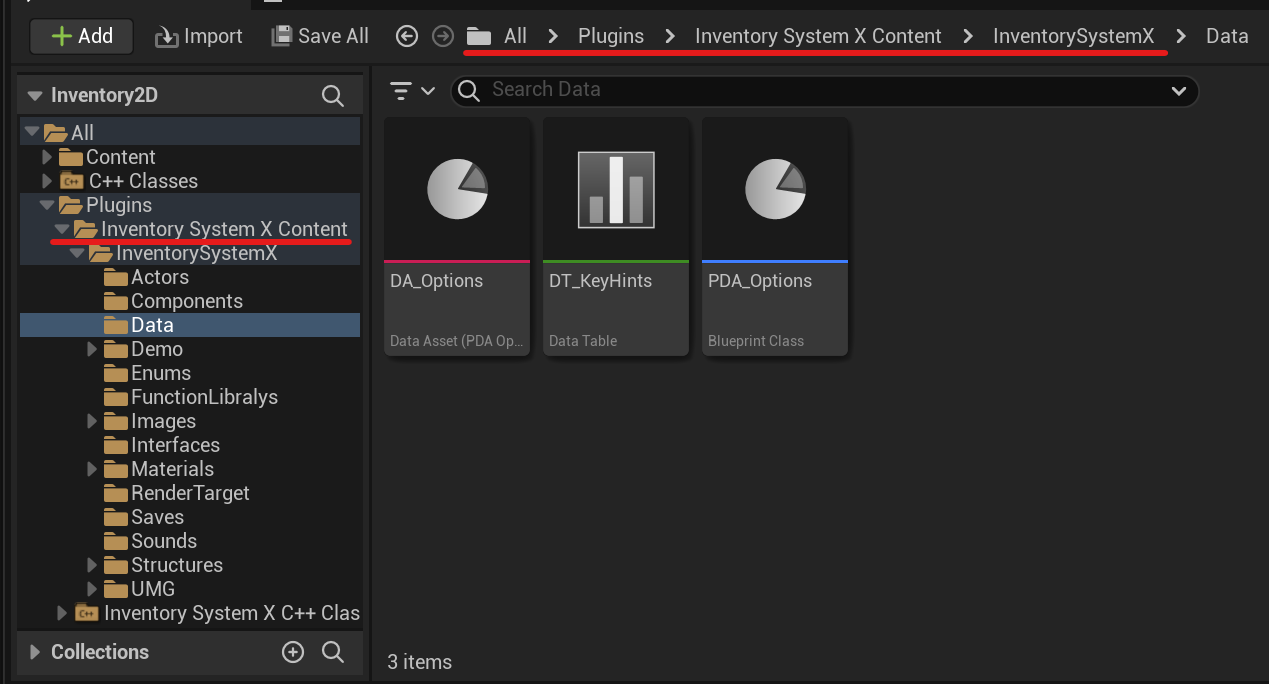
To copy the plugin files manually
Unreal Engine stores all plugins purchased from the Marketplace in the following location:
C:\Program Files\Epic Games\UE_[version]\Engine\Plugins\Marketplaceon Windows/Users/Shared/Epic Games/UE_[version]/Engine/Plugins/Marketplaceon macOS
To copy the plugin to your project folder, follow these steps:
- Go to the location mentioned above and copy the folder named "Inventory System X".
- Navigate to the root directory of your project, and if there is a folder named "Plugins" in it, paste the plugin there. If there is no such folder, create it first.
You can now proceed to the next step.